There's a moment each evening when daylight fades and a home needs to shift. Lamps need turning on, blinds need closing, and the atmosphere needs to change from the brightness of the day to something warmer and more settled. In most homes, this happens manually. Someone walks room to room flicking switches, often later than they'd like.
With Baulogic Smart Events, this transition happens on its own. A single automation triggers an Evening scene at sunset. Low-level lighting comes on across the house and garden, the atmosphere shifts, and the home moves into the evening without anyone touching a switch. It adjusts with the seasons, running earlier in winter and later in summer, because Baulogic tracks solar position automatically.
It's one of the simplest Smart Events to set up, and one of the most appreciated by homeowners once it's running.
The Smart Event: evening scene at sunset
The structure of this automation is clean and minimal:
WHEN sunset is reached (or a set number of minutes before or after sunset)
THEN set a pre-defined Evening scene
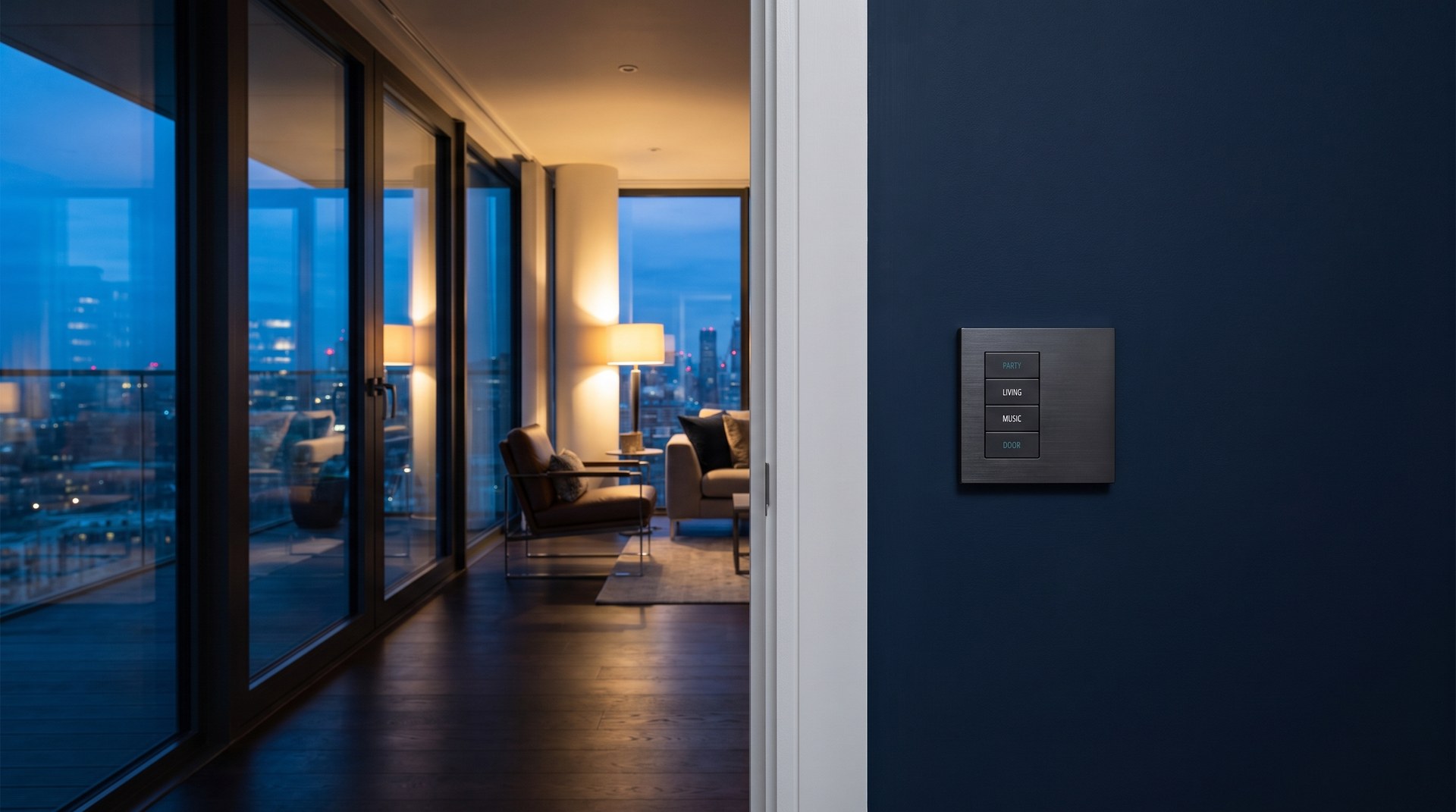
The Evening scene itself is configured separately within Baulogic's scene system. A scene is a saved combination of lighting levels, colour temperatures, and shading positions across multiple rooms. When the Smart Event triggers the scene, every element activates together. In a single moment, the whole home responds.
Because Baulogic tracks sunrise and sunset times based on your location, the trigger shifts naturally throughout the year. In June, the scene might activate at 9:15pm. In December, it runs at 3:45pm. You set it once and it stays accurate, with no seasonal adjustments needed.
What an evening scene typically includes
Every household is different, but an Evening scene commonly includes some combination of the following:
Living areas. Main lights dim to a warm, comfortable level. Accent lighting or table lamps come on. The room shifts from functional daylight to a relaxed evening atmosphere.
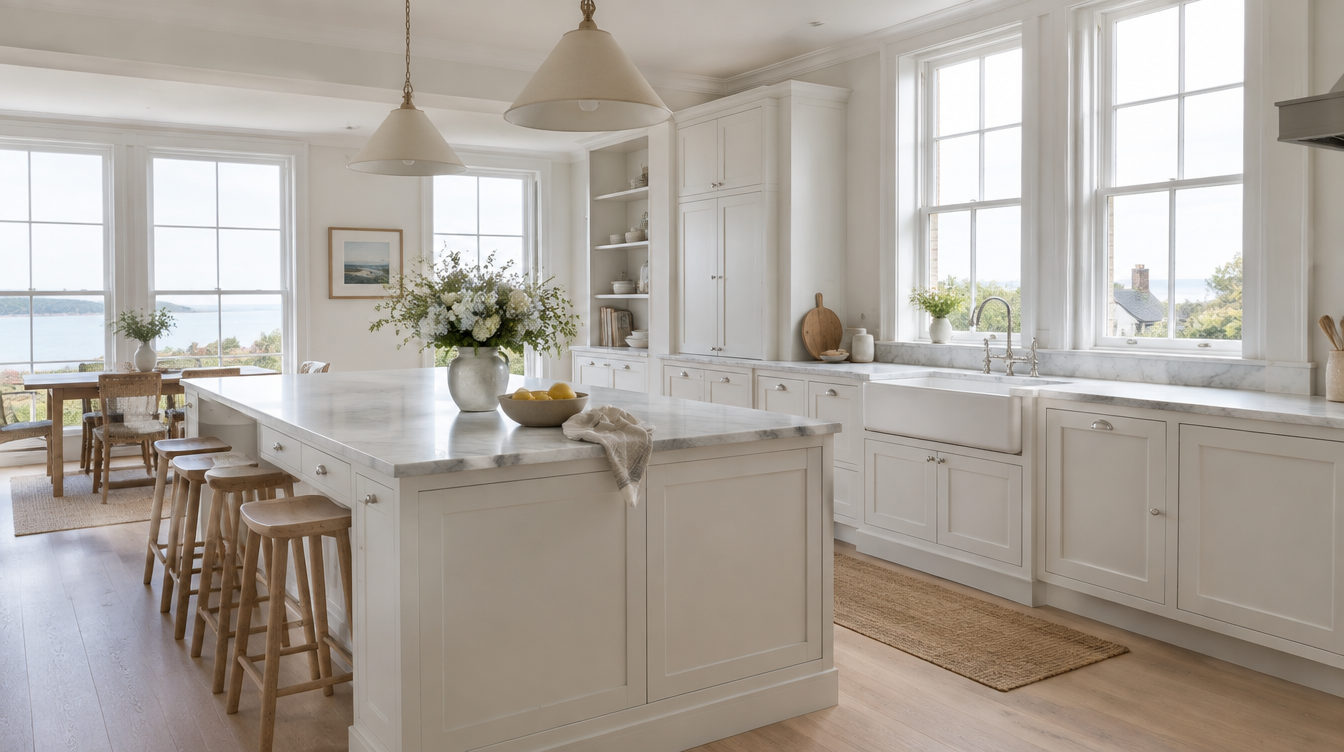
Kitchen and dining. Overhead lights reduce to a softer level. Under-cabinet lighting or pendant lights set the tone for cooking and eating.
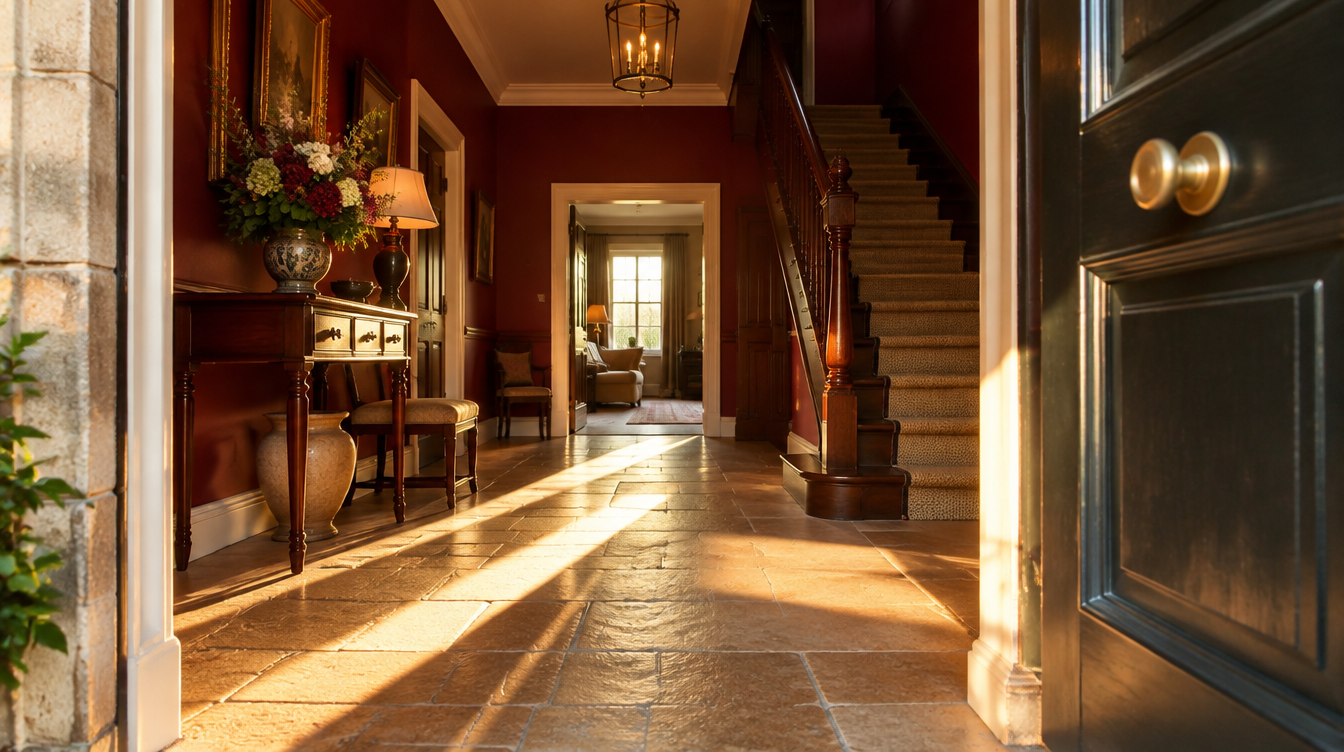
Hallways and stairs. Low-level lighting provides orientation without the harshness of full brightness. Useful for moving around the house in the evening without startling anyone settled in a living room.
Garden and exterior. Pathway lights, terrace lighting, or feature lighting in the garden comes on automatically. This extends the living space outdoors on warm evenings and adds security after dark.
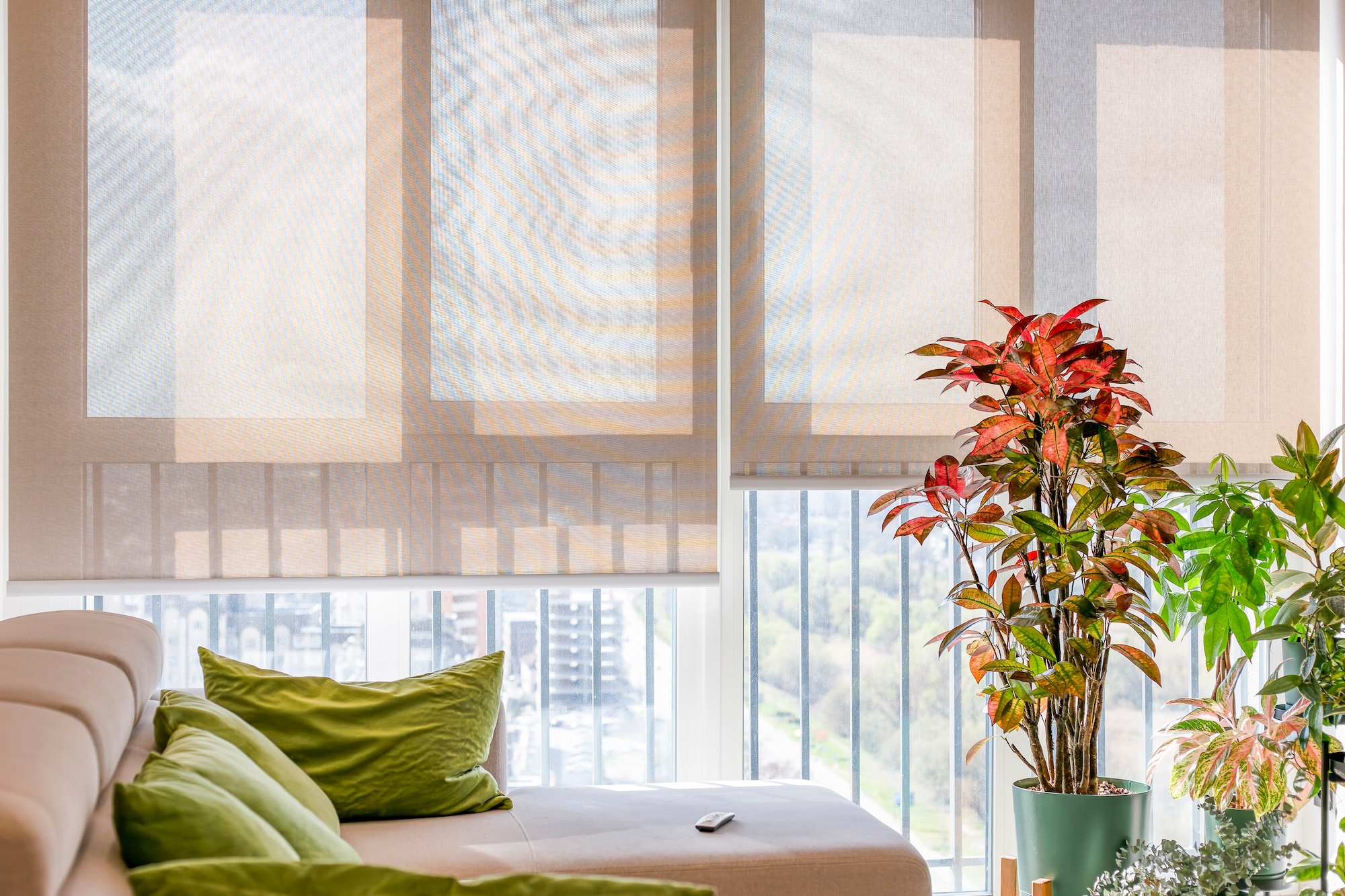
Blinds and shades. If automated shading is part of your system, the Evening scene can close blinds across the house simultaneously, adding privacy as the light fades.
The exact combination is entirely up to you. Scenes are configured to match the way you actually use your home, and because you can edit them yourself at any time, they evolve as your preferences do.
Why solar timing matters
A common approach to evening lighting automations in other systems is to use a fixed time: turn the lights on at 6pm, for example. The problem is obvious. 6pm in July is broad daylight, while 6pm in December is well after dark.
Baulogic's solar awareness solves this entirely. By tying the Smart Event to sunset rather than a clock time, the automation is always contextually correct. The lights come on when they're actually needed, not when an arbitrary schedule says they should.
You can also offset the trigger by a set number of minutes. If you prefer the scene to activate 15 minutes before sunset, catching that transitional moment when the light starts to soften, you set the offset once and it applies year-round.
Layering conditions for more control
The basic sunset trigger works well on its own, but you can add conditions to make it more refined:
Only on specific days. If your weekend evenings involve different lighting, perhaps brighter for family time on Saturdays, you can create separate weekday and weekend evening scenes, each triggered by the same sunset event but filtered by day.
Only when the security mode is set to Home. If the house is in Away mode, you might prefer a different automation, or no lighting at all. Adding a security mode condition ensures the Evening scene only runs when someone is actually home to enjoy it.
Only when room brightness is below a certain level. On a bright summer evening, the house may not need the Evening scene until well after sunset. A brightness sensor condition ensures the scene waits until the natural light has genuinely faded.
The effect on daily life
Homeowners who use an evening scene Smart Event consistently describe the same thing: it removes a small but daily friction. The house handles the transition, so they don't have to think about it. There's no walking into a dark room to find the switch. No garden sitting in darkness because nobody remembered to turn on the outdoor lights.
It also creates consistency. Every evening, the home feels settled, warm, and ready. Over time, that consistency becomes part of the rhythm of the house. It's a small detail, but it shapes how a home feels to live in.
For families, it's particularly valuable. Children benefit from a home that transitions naturally into the evening. Softer light signals that the day is winding down, supporting bedtime routines without anyone having to enforce it through lighting changes.
Setting it up yourself
Creating an evening scene Smart Event takes a few minutes. First, configure your Evening scene: setting the lighting levels, colour temperatures, and shading positions for each room you want included. Then create a Smart Event with sunset as the trigger and your Evening scene as the action.
If you want to adjust the mood, warmer light in winter, brighter settings in summer, a different scene for weekends, you change it from the touch panel or app whenever you like. No integrator needed, no programming knowledge required.
An evening scene at sunset is one of those Smart Events that sounds simple but changes the way a home feels. It's the house taking care of a daily transition that would otherwise require attention, and doing it perfectly every time, adjusted to the season, tailored to your preferences, and running without a thought.
It's a good example of what Baulogic's built-in technology does best: working quietly in the background so that everyday living feels effortless.
To explore how scenes and Smart Events can be configured for your home, speak with the Baulogic team or explore our frequently asked questions.
More Insights